
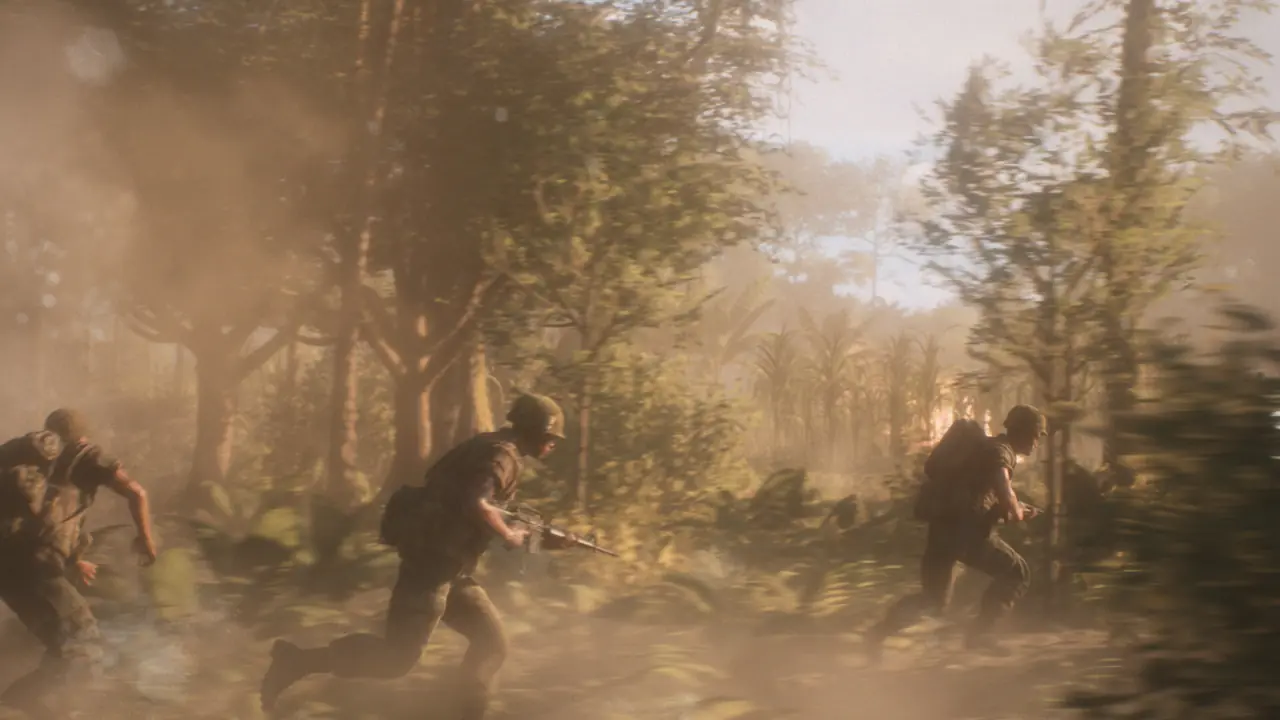
Watch the official gameplay trailer first
The PlayStation official gameplay trailer presents the 50v50 format and is the fastest introduction to the factions, combat, vehicles, and terrain. It is edited promotional footage, so use it for a short overview rather than the pacing of a complete match. Watch a long-form match next if you want to see travel, communication, spawning, and downtime.
Use it to identify systems, not to estimate average downtime, communication quality, or performance. A trailer can cut between roles and maps without showing the deployment and coordination that connect them. Follow it with a longer video.
Long-form match footage
OperatorDrewski’s first gameplay video is a long-form match showing how helicopters, tunnels, squads, movement, and firefights fit into one session. It gives a better sense of match flow than a trailer. Use the original video link to watch it in full.
Check the upload date and description to determine whether a segment comes from a beta, playtest, or release build. A long video can still contain outdated mechanics. Label the build state next to the embed instead of letting the reader assume every screen is current.
Beginner-focused footage
16 Tips to Help You Survive has chapters for outposts, tunnels, helicopter supply drops, communication, tutorials, game modes, and supplies. It is the quickest option for a new player with one specific question. Use the chapter list to jump directly to the relevant mechanic.
Use the video beside the beginner guide rather than as a replacement for the in-game tutorial. Open the current Controls menu for keybinds while watching. That prevents a custom or older layout from sending you to the wrong button.
Role gameplay on the official site
The official game page links gameplay media for Sniper, Tank, Squad Lead, Grenadier, and Machine Gunner. These clips are appropriate for showing how different roles look and what battlefield context they occupy. They do not replace a verified loadout database.
Organize role videos by unit and role rather than by creator popularity alone. State whether the clip is official, its date, and the game build where known. Link from a role clip to the relevant written responsibilities once those are verified.
Helicopter gameplay videos
The dedicated flight tutorial shows the PC HUD, lift, pitch, roll, yaw, landing, and repair sequence. Long-form gameplay shows how helicopters transport troops and supplies inside a real match. Watch the tutorial for controls and the full match for timing and route choice.
Console players should use the controller layout shown in their own Controls menu. The PC tutorial is still useful for understanding pitch, roll, yaw, approach, and landing. Its keyboard keys do not replace the console button prompts.
Maps and the developer Q&A
The official Q&A contains timestamped discussion of the 3D tactical map, roads, rivers, vertical terrain, six launch environments, historical inspiration, light urban areas, and the absence of launch night combat. It is more useful for map design than a montage with no explanation. Its date still needs to remain visible so later additions are not mistaken for launch content.
Create chapter links for 31:13–35:41 on map readability, 36:21–41:51 on launch-map variety and design, 42:13–43:39 on urban character, and 49:41–52:50 on night-combat direction. Paraphrase the points instead of reproducing the transcript. Label the video as developer context rather than a complete current match.
Beta versus release labels
Every video card should show one of three states: Official Release, Release Gameplay, or Beta/Playtest. A beta video remains useful for development context but must not be presented as current proof of controls, performance, balance, or bugs. If the upload spans more than one build, describe that limitation.
Watch retail gameplay before older Beta footage when comparing the current experience. Beta videos can still show the game’s development history, but controls, balance, and interface details may differ. The retail version is the useful reference for a purchase decision.
Video hub organization
- Official launch and gameplay trailers.
- Full release matches.
- Beginner and first-match guides.
- Role demonstrations.
- Helicopter and vehicle instruction.
- Maps and developer explanations.
- Historical beta/playtest footage.
Choose videos by the question they answer rather than view count. Use the official trailer for a short overview, OperatorDrewski for a long match, 16 Tips for beginner chapters, and the flight tutorial for helicopter controls. Older Beta footage belongs after the release videos because it shows an earlier version.